Audience: event administrators and client administrators. Applies to: plans with the registration form builder.
For a business event, you can stop people booking with a personal email address such as Gmail. Turn on Restrict personal / free email domains on a registration type, and Delekit fills in a list of common personal domains that you can add to or trim. In the same section you choose whether someone can book on behalf of someone else.
Before you start
- It's set on each registration type, under Who can book. Edit event only has a note pointing here, so each type can have its own rule: Delegates might need a work email while a partner's ticket allows any.
- Invite links are never blocked. Someone you invited can register with any address.
- Guests are checked against their own type. A guest booked on a ticket is checked against the ticket's Guest registration type, else the booker's type.
Block personal email domains
In the menu, select Registration, then Registration types, and select the type's name.
Go to Who can book.
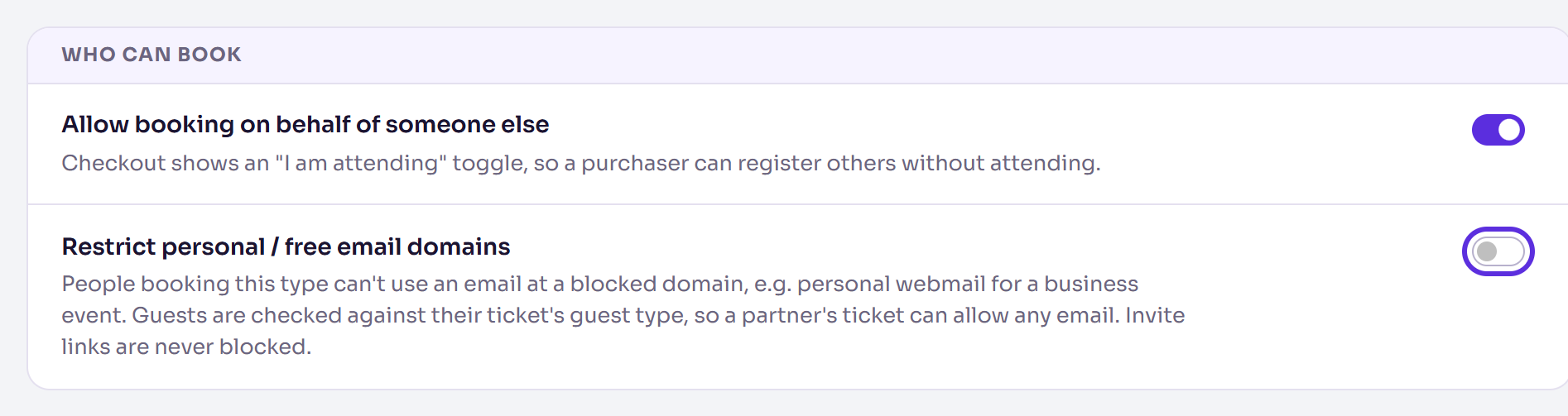
Turn on Restrict personal / free email domains. The first time, Delekit adds its suggested personal domains, such as gmail.com and hotmail.co.uk.
To block another domain, type it in the box and press Enter, or select Add domain. You can enter several at once, separated by spaces or commas.
To unblock one, select the × on it.
Select Save changes. It appears once you've changed something.
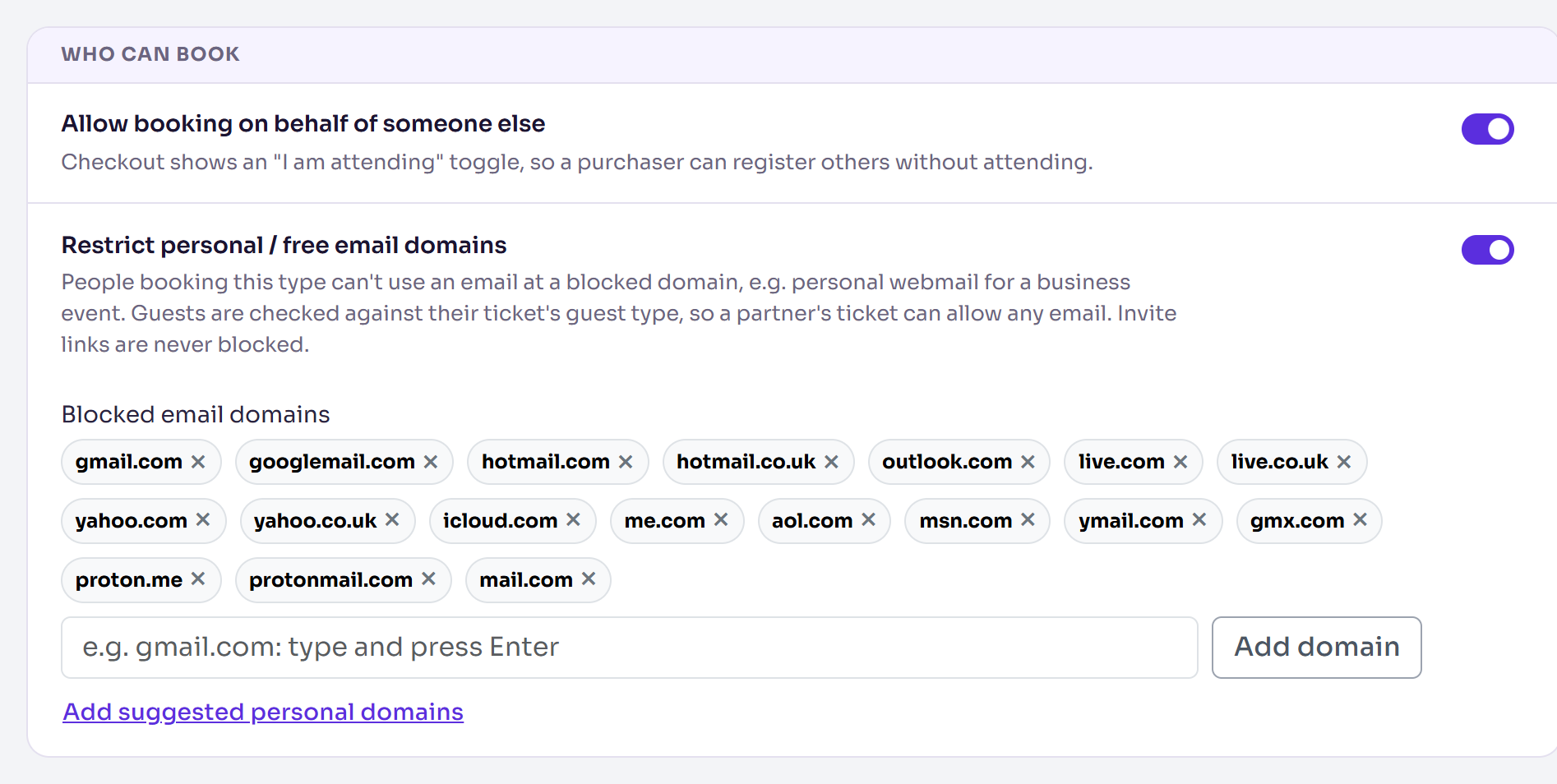
You'll see Changes saved. If you removed some of the suggested domains and want them back, select Add suggested personal domains.
Let people book for someone else
Allow booking on behalf of someone else is in the same section, and is on for a new type. The checkout then shows an "I am attending" toggle, so a purchaser can register others without attending. Turn it off if everyone who books must attend, then select Save changes.
What happens next
Someone booking this type with a blocked address can't carry on. They see the message "This event only accepts business email addresses. Please use your work email." For a guest's address, it ends "Please use their work email." instead.
Only the exact domain is blocked. Blocking gmail.com doesn't block googlemail.com, which is why both are on the suggested list.
Check it works
Once your registration form is published, start a test registration as this type with an address at a blocked domain. You should see the business email message.
If something isn't right
- "Not a valid domain: …": enter just the domain, such as yourcompany.com, without spaces. Typing a whole email address is fine: Delekit keeps the part after the @.
- An invited guest registered with a personal address: invite links are never blocked.
- A guest's personal address got through: their ticket gives guests a different Guest registration type, without the restriction. Check the ticket in Manage products.
Related articles
- Create a registration type
- Choose your event's registration and privacy options
- Add tickets to a registration type
Still stuck? Contact Delekit support.
Was this article helpful?
That’s Great!
Thank you for your feedback
Sorry! We couldn't be helpful
Thank you for your feedback
Feedback sent
We appreciate your effort and will try to fix the article