Audience: people invited to use Delekit. Applies to: all plans.
When someone at your organisation adds you as a user, Delekit emails you an invitation. Accepting it confirms your email address and sets your password, and you're signed in straight away, with the events and settings your role gives you.
Before you start
- Look for the email "You've been invited to Delekit". It's sent to the address you'll sign in with. If it isn't in your inbox, check your spam folder.
- Already have a Delekit account? Being added to another organisation doesn't send an invitation: you sign in as usual and see the new organisation in the menu. If you're given events, you're emailed Your Delekit access has been updated. See Switch between organisations (clients).
Accept the invitation
In the invitation email, select Confirm your email and set a password. Welcome to Delekit opens.
Enter a Password. It must be at least 6 characters long.
Enter it again in Confirm password.
Select Set password and continue.
On Add an authenticator app, select Set up authenticator app to set one up now (see Set up two-factor authentication), or Not now, keep using email codes.
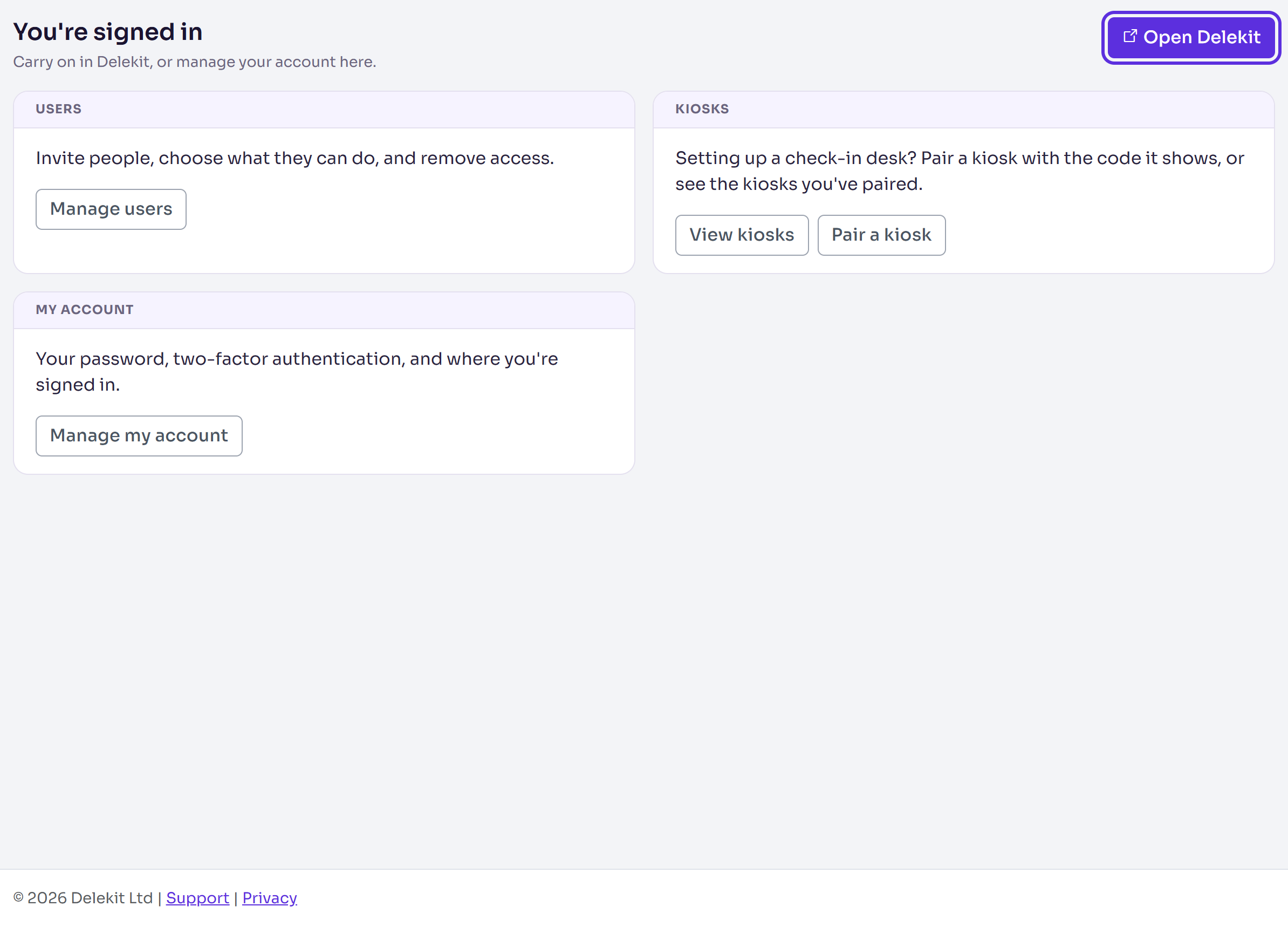
On You're signed in, select Open Delekit.
What happens next
Delekit opens on your events list. A client administrator sees every event of the organisation; an event administrator sees the events they've been given. See Roles and permissions: client admins and event admins.
This browser is trusted for 30 days, so signing in here won't ask for a code until then. After that, and on any other browser, signing in needs your password and a code. See Sign in and reset your password.
You're signed in is the home of the Delekit account site. Its Manage my account link opens your profile, password and two-factor settings.
If something isn't right
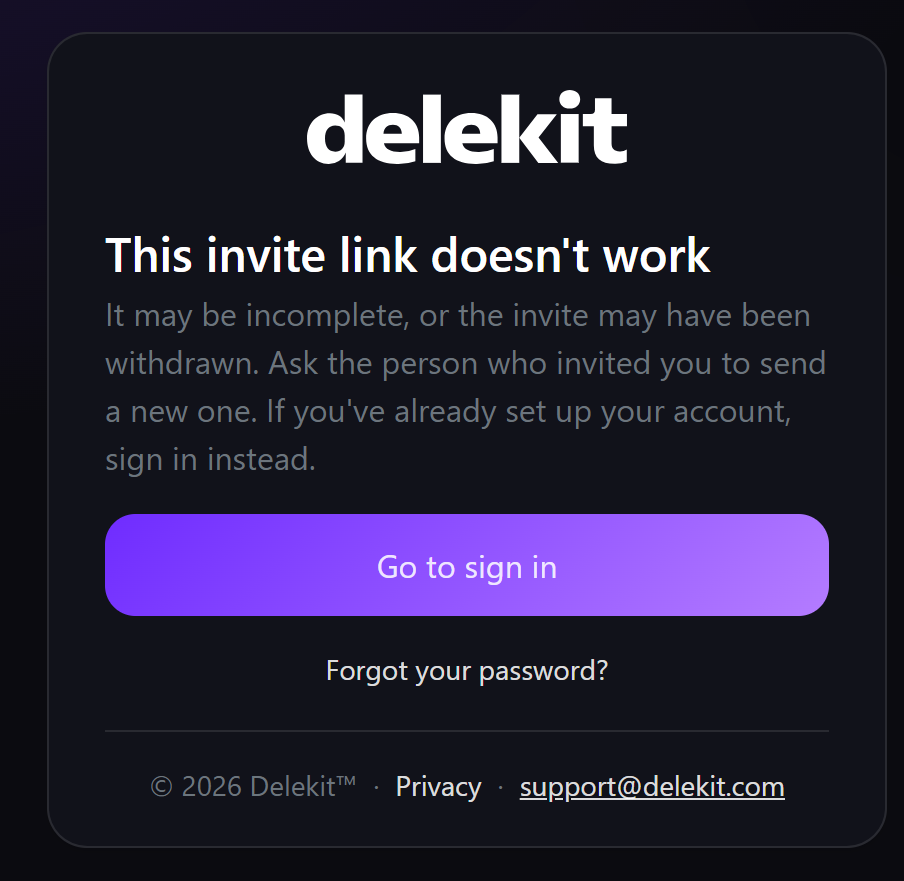
"This invite link doesn't work". The link may be incomplete, or the invitation withdrawn. Ask the person who invited you to send a new one. If you've already set up your account, select Go to sign in.
The page shows an error after you choose a password. The link may have been used already. If you set up your account earlier, sign in instead; otherwise, ask for a new invitation.
The password isn't accepted. The message under it says why. Choose a longer password, or one with a mix of letters, numbers and symbols.
You've forgotten the password you chose. Select Forgot your password?.
Related articles
Still stuck? Contact Delekit support.
Was this article helpful?
That’s Great!
Thank you for your feedback
Sorry! We couldn't be helpful
Thank you for your feedback
Feedback sent
We appreciate your effort and will try to fix the article