Audience: on-site check-in staff. Applies to: events using the Delekit check-in app.
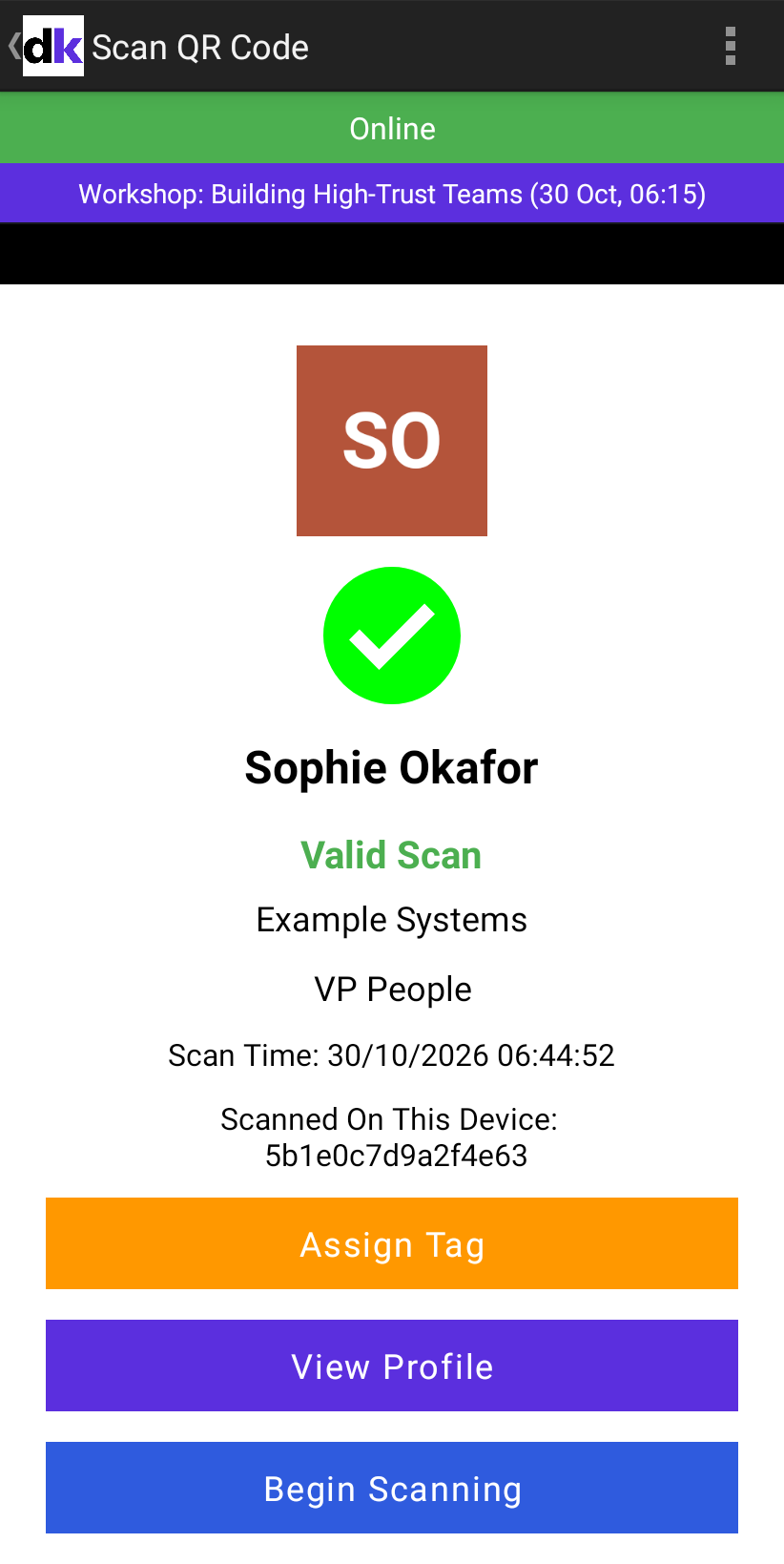
Offline on a scan screen means the device has no network connection. Keep scanning: the app saves every scan on the device and checks it against the attendees it has already downloaded. The scans are sent to Delekit when the connection comes back.
What still works offline
- Scanning QR tickets and wristbands into sessions, and scanning people out.
- Checking people in by hand, adding walk-ins and assigning wristbands.
- The Not In Session question, using the bookings already on the device.
What's different
- Already Scanned only knows the scans this device has: its own, and other devices' scans downloaded before it went offline. Someone scanned on another device may show Valid Scan. Both scans are kept, and the person is counted once.
- Ticket not found shows for anyone who registered, or got a wristband on another device, after this device last synced. See Scans show Ticket not found.
- The counts and lists don't include other devices' new scans.
- These need a connection: signing in, Clone Session (Attended) and assigning BLE badges.
Get back online
- Check Wi-Fi or mobile data is on, and that the device isn't in aeroplane mode.
- If the venue's Wi-Fi asks you to sign in on a web page, open the browser and do that.
- Wait for the label to change to Online.
- Go back to the session's attendee list and select the refresh icon.
What happens next
When the device is back online, the scans it saved are sent at its next sync: when you select the refresh icon, when you come back from QR Scan, or within 15 minutes. In the attendee list's menu, Updated just now shows that it has synced.
If something isn't right
- It says Online, but scans are slow or behave as if offline: if Delekit doesn't answer a scan within 3 seconds, the app uses what's on the device. A network that's connected but has no working internet, such as Wi-Fi waiting for its sign-in page, does this.
- You need to sign out: wait until the device is online and has synced first. See Sign out of the check-in app.
Related articles
Still stuck? Contact Delekit support.
Was this article helpful?
That’s Great!
Thank you for your feedback
Sorry! We couldn't be helpful
Thank you for your feedback
Feedback sent
We appreciate your effort and will try to fix the article